
In a project with no tests
1
Open the first onboarding card
In the Get your first test running panel, select the first card, Set up testing and automate your first check.
2
Review the draft request
Qure inserts a draft request into the chat composer. The agent does not start yet. Read the draft and edit it if you want.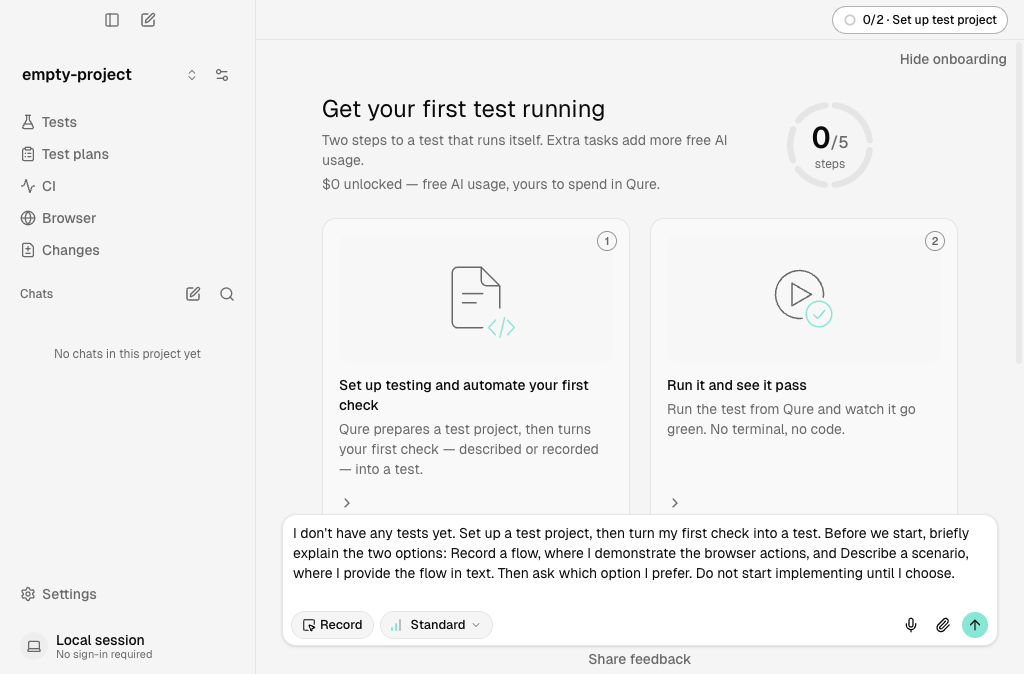
3
Send the request and let the agent work
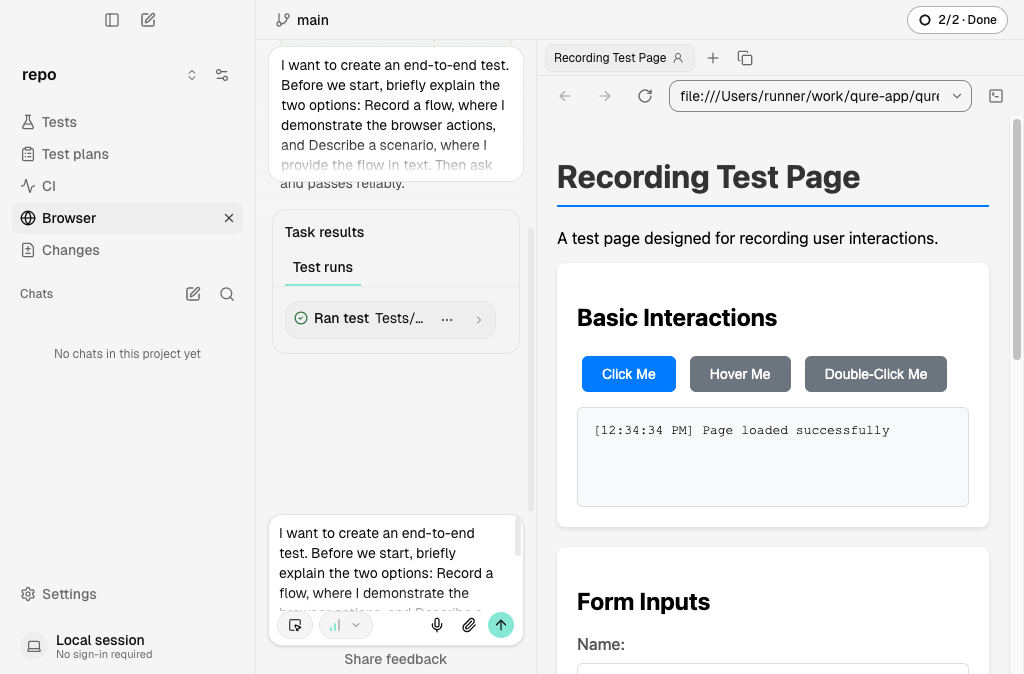
Send the request. The agent creates the test and runs it. The chat shows a Task results block. Under Test runs, a Ran test entry with a green check mark shows that the test passed. The onboarding status at the top reads 2/2 · Done.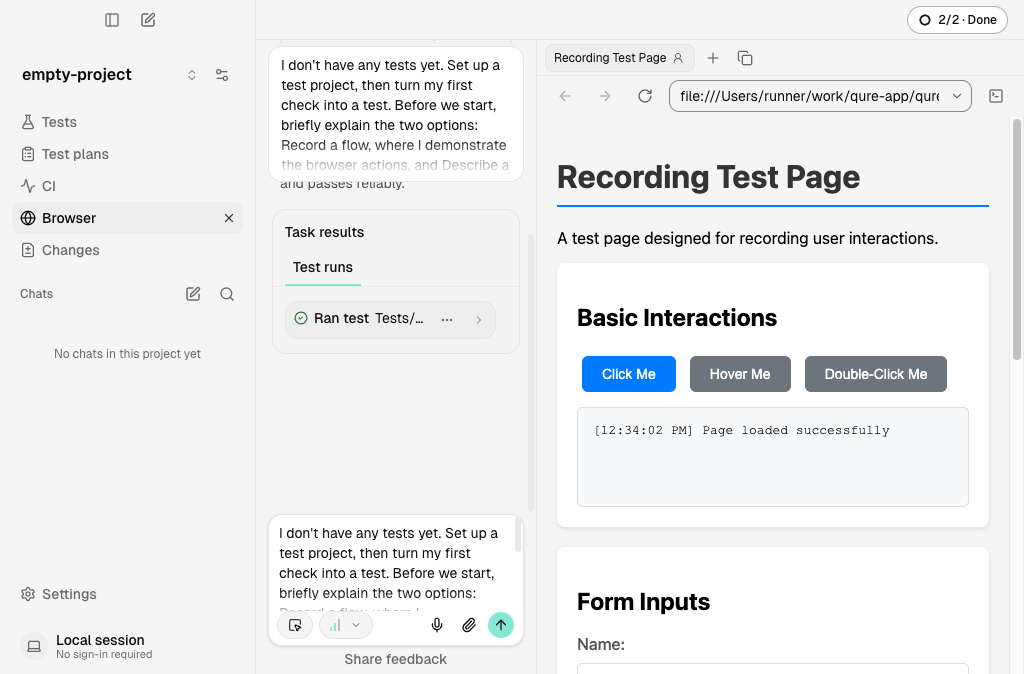
In a project that already has tests
1
Open the first onboarding card
In the Get your first test running panel, select the first card, Automate one manual test case.
2
Review the draft request
Qure inserts a draft request into the chat composer. The agent does not start yet. Read the draft and edit it if you want.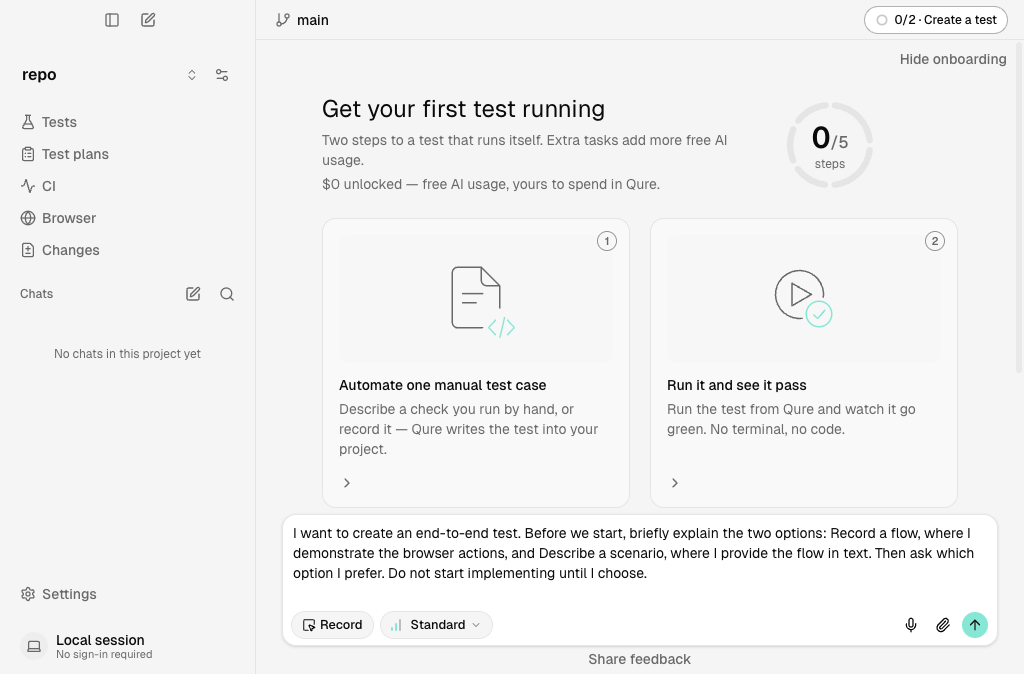
3
Send the request and let the agent work
Send the request. The agent creates the test and runs it. Under Task results > Test runs, a Ran test entry with a green check mark shows that the test passed. The onboarding status at the top reads 2/2 · Done.